When an exposed credential has no clear owner
How to verify, investigate, assign, and replace an exposed credential when the service owner is unclear.

On this page(5)
Updated October 3, 2026. An earlier version described a precise audit of 3,400 credentials and a 60% owner gap without a verifiable source. Those figures have been removed. This guide explains how to investigate a real credential finding when its owner is unclear.
What “unattributed” means
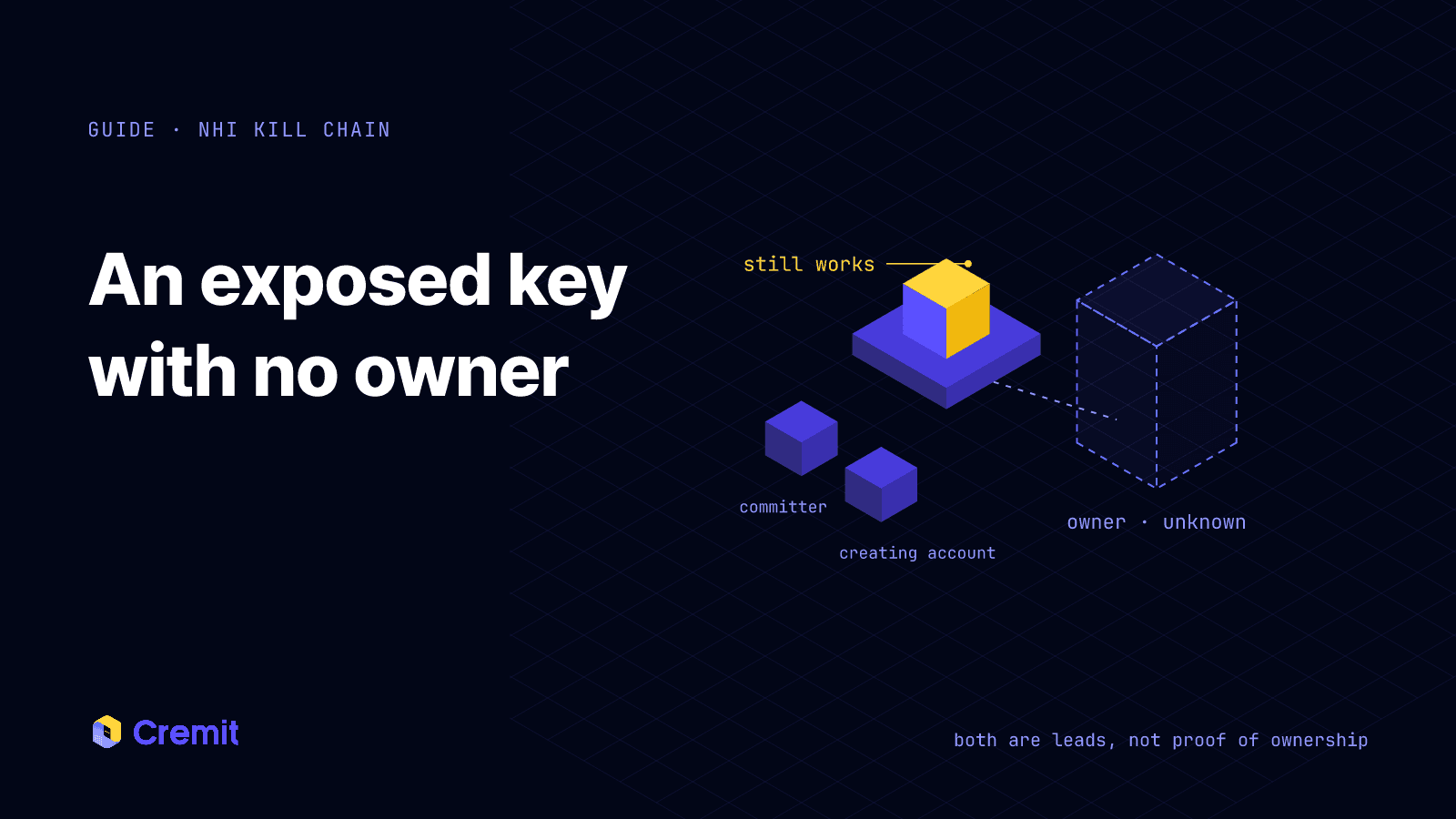
A scanner finds a credential in a repository or document, but the finding does not identify who is responsible for it. The person who committed a file may not own the service, and the account that created a key may be an automation account. Treat both as leads, not proof of ownership.
An ownerless key can still be active and privileged. The first question is whether the credential works; the next is what it can reach and which workload depends on it. You need those answers before deciding how to replace it safely.
Trace the key without guessing
Start with the issuing service. Record the account or project, creation and expiry dates, permissions, and last-used information where available. Check audit logs for the key’s creation and recent use. Do not paste the secret into a ticket or chat while investigating.
Then examine the place it was found. A repository path, commit history, deployment configuration, or document owner can suggest a service and a person to ask. Compare those clues with the service inventory and the people currently responsible for the workload. If the evidence conflicts, keep ownership unresolved and assign an investigator rather than guessing.
For a shared service key, identify every known dependency before rotation. A blind revocation can interrupt production, but leaving a confirmed exposed key active also carries risk. Coordinate a replacement with the service owner and security responder.
Respond and close the gap
If the key is still valid and may have been exposed, rotate or revoke it at the issuing service. Verify that the old key no longer works, the replacement is stored appropriately, and dependent services still run. Review the issuer’s access logs for signs of misuse and keep the incident record linked to the finding.
Add an owner, service name, purpose, expiry or review date, and rotation procedure to the credential record. Assign a backup contact for shared infrastructure. Recheck these fields when people change roles or integrations are retired.
Where Cremit helps
Cremit Platform can surface credentials found in supported connected sources, show the discovery location, verify supported types, and let a responder assign a finding. Directory synchronization can help review findings linked to inactive accounts. It does not infer an owner for every key from audit logs or automatically map all of a credential’s consumers. Those steps require the issuing service and the team that runs the workload.
Further reading
OWASP, Non-Human Identities Top 10: https://owasp.org/projects/non-human-identities-top-10
GitHub Docs, secret scanning: https://docs.github.com/en/code-security/concepts/secret-security/secret-scanning
Read next
Eight credential exposure patterns and how to respond
A practical summary of eight NHI credential exposure patterns, the evidence to check, and what Cremit Platform can help investigate.
One API key in three repositories: investigating shared credentials
Three observed locations are not a complete dependency map. Check key type, issuer status, permissions, and actual consumers before replacement.
Long-exposed credentials: what a 90-day source record tells you
An old source record and an active key do not establish key age. Check when the value appeared, issuer status, permissions, and dependencies.
Get the next one in your inbox
Monthly NHI security brief from Cremit. One email, high signal.